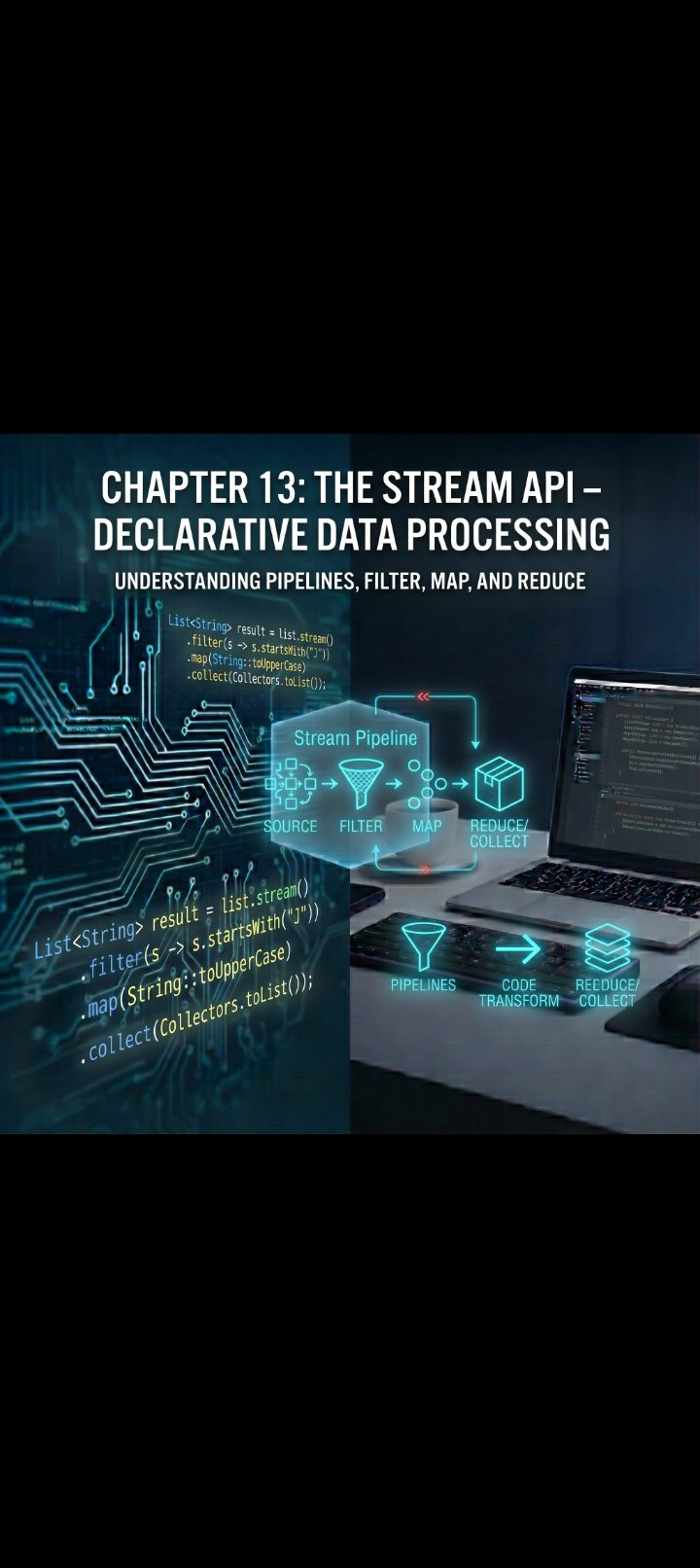
🌊 Chapter 13: The Stream API – Declarative Data Processing
1. What is a Stream? (The Assembly Line Analogy)
A common point of confusion is conflating a Stream with a Collection. They are fundamentally different:
- A Collection is an in-memory data structure. It holds data and manages storage (like a warehouse full of parts).
- A Stream is a view over a sequence of elements that conveys data through a computational pipeline. It does not store elements, and it never modifies the underlying source data (like an assembly line conveyor belt carrying parts past workstations).
[ Collection / Source ]
           │
           ▼
┌──────────────────────┐
│ filter()             │  <-- Intermediate Operation (Lazy)
└──────────┬───────────┘
           ▼
┌──────────────────────┐
│ map()                │  <-- Intermediate Operation (Lazy)
└──────────┬───────────┘
           ▼
┌──────────────────────┐
│ collect() / forEach()│  <-- Terminal Operation (Eager: Triggers execution)
└──────────────────────┘
The Three Hallmarks of Streams:
- No Storage: Elements are computed on demand as they flow through the pipeline.
- Functional in Nature: Operations produce a new result without altering the original data source.
- Consumable Once: Much like an iterator or a video stream, once a stream has been traversed from start to finish via a terminal operation, it is spent. Attempting to reuse it throws an
IllegalStateException.
2. Anatomy of a Stream Pipeline
Every stream pipeline follows a three-stage structure:
- Source: Where the data originates (a
List,Set, array, file I/O channel, or generator function). - Intermediate Operations: Zero or more transformations that produce a new stream (e.g.,
filter,map,sorted). These are lazy—they do no work until a terminal operation is called. - Terminal Operation: Produces a non-stream result (a list, a single number, a boolean) or a side effect (such as printing). This step starts the execution of the entire pipeline.
3. Creating Streams
Streams can be spawned from multiple data sources:
import java.util.*;
import java.util.stream.IntStream;
import java.util.stream.Stream;

public class StreamCreation {
    public static void main(String[] args) {
        // 1. From an existing Collection
        List<String> frameworkList = List.of("Spring", "Quarkus", "Micronaut");
        Stream<String> s1 = frameworkList.stream();

        // 2. From an Array
        String[] techArray = {"Docker", "Kubernetes", "Podman"};
        Stream<String> s2 = Arrays.stream(techArray);

        // 3. Directly using Stream.of()
        Stream<Integer> s3 = Stream.of(10, 20, 30, 40);

        // 4. Primitive Streams (avoids autoboxing overhead)
        IntStream rangeStream = IntStream.rangeClosed(1, 5); // 1, 2, 3, 4, 5

        // 5. Infinite Streams (must be bounded using limit())
        Stream<Double> randomNumbers = Stream.generate(Math::random).limit(5);
        Stream<Integer> counter = Stream.iterate(0, n -> n + 2).limit(10); // 0, 2, 4, ... 18
    }
}
4. Intermediate Operations: Transforming the Flow
Intermediate operations return a new stream instance, enabling fluent method chaining. Because they are lazy, they do not execute until a terminal operation is attached.
A. Filtering and Slicing
filter(Predicate<T>): Retains only elements where the condition returnstrue.distinct(): Strips duplicates based onequals()andhashCode().limit(long maxSize): Truncates the stream to at most $N$ elements.skip(long n): Discards the first $n$ elements.
List<Integer> numbers = List.of(1, 2, 2, 3, 4, 5, 6, 7, 8);

List<Integer> evenFirstTwo = numbers.stream()
    .filter(n -> n % 2 == 0) // 2, 2, 4, 6, 8
    .distinct()              // 2, 4, 6, 8
    .limit(2)                // 2, 4
    .toList();
B. Mapping and Transformation
map(Function<T, R>): Converts an element of typeTinto an element of typeR.flatMap(Function<T, Stream<R>>): Flattens nested structures (e.g., turning aList<List<String>>into a single, continuousStream<String>).
// Example: flatMap unwrapping nested collections
List<List<String>> nestedSkills = List.of(
    List.of("Java", "Kotlin"),
    List.of("SQL", "PostgreSQL"),
    List.of("AWS", "GCP")
);

List<String> flatList = nestedSkills.stream()
    .flatMap(Collection::stream)
    .map(String::toUpperCase)
    .toList();

System.out.println(flatList);
// Output: [JAVA, KOTLIN, SQL, POSTGRESQL, AWS, GCP]
C. Sorting and Inspecting
sorted(): Sorts elements using their natural order (Comparable).sorted(Comparator<T>): Sorts elements using a custom comparator.peek(Consumer<T>): Inspects elements as they flow through the pipeline without altering them; primarily used for debugging.
List<String> names = List.of("Charlie", "Alice", "Bob");

List<String> sortedNames = names.stream()
    .peek(item -> System.out.println("Processing raw element: " + item))
    .sorted(Comparator.reverseOrder())
    .toList();
5. Terminal Operations: Producing Results
A pipeline without a terminal operation does nothing. Once a terminal operation is invoked, elements are pulled through the intermediate operations.
A. Aggregations and Reductions
count(): Returns the total number of processed elements.- **
min(Comparator)/max(Comparator)**: Returns anOptional<T>containing the smallest or largest element. reduce(BinaryOperator<T>): Combines elements into a single accumulated result.
List<Integer> transactions = List.of(150, 300, 45, 1200);

// Summing using reduce (identity, accumulator)
int total = transactions.stream()
    .reduce(0, (subtotal, element) -> subtotal + element);
// Total: 1695
B. Short-Circuiting Matches
These operations terminate execution early as soon as the answer is determined, without evaluating the remaining elements:
anyMatch(Predicate): Returnstrueif at least one element matches.allMatch(Predicate): Returnstrueonly if every element matches.noneMatch(Predicate): Returnstrueif zero elements match.- **
findFirst()/findAny()**: Returns anOptional<T>with a matched element.
boolean hasCriticalErrors = List.of("INFO", "WARN", "ERROR", "INFO")
    .stream()
    .anyMatch(level -> level.equals("ERROR")); // Returns true immediately when it hits index 2
6. Collecting and Grouping: Collectors Deep Dive
The collect(Collector) terminal operation packages stream results back into data structures or aggregates them. The java.util.stream.Collectors utility class provides factory methods for these tasks.
Core Collectors Overview
import static java.util.stream.Collectors.*;

List<String> frameworks = List.of("Spring", "Hibernate", "Quarkus", "Kafka");

// 1. Collecting to specific Collections
Set<String> frameworkSet = frameworks.stream().collect(toSet());

// 2. Joining elements into a formatted String
String joined = frameworks.stream().collect(joining(", ", "[", "]"));
// Result: "[Spring, Hibernate, Quarkus, Kafka]"

// 3. Summarizing numeric metrics
List<Double> salaries = List.of(60000.0, 85000.0, 110000.0, 95000.0);
DoubleSummaryStatistics stats = salaries.stream()
    .collect(summarizingDouble(Double::doubleValue));

System.out.println("Average: " + stats.getAverage());
System.out.println("Max: " + stats.getMax());
Advanced Grouping and Partitioning
Collectors.groupingBy mirrors an SQL GROUP BY clause, grouping elements by a classifier key.
class Order {
    private final String category;
    private final double price;

    public Order(String category, double price) {
        this.category = category;
        this.price = price;
    }

    public String getCategory() { return category; }
    public double getPrice() { return price; }
}

public class GroupingDemo {
    public static void main(String[] args) {
        List<Order> orders = List.of(
            new Order("Electronics", 1200.0),
            new Order("Books", 25.0),
            new Order("Electronics", 80.0),
            new Order("Books", 45.0),
            new Order("Clothing", 60.0)
        );

        // Group orders by category -> Map<String, List<Order>>
        Map<String, List<Order>> ordersByCategory = orders.stream()
            .collect(groupingBy(Order::getCategory));

        // Downstream collection: calculate total spent per category -> Map<String, Double>
        Map<String, Double> spendByCategory = orders.stream()
            .collect(groupingBy(
                Order::getCategory,
                summingDouble(Order::getPrice)
            ));

        System.out.println(spendByCategory);
        // Output: {Clothing=60.0, Books=70.0, Electronics=1280.0}
    }
}
7. Parallel Streams: Concurrent Processing
Streams can divide tasks across multiple CPU cores via the Fork/Join framework with a single method call: .parallelStream().
long count = largeNumberList.parallelStream()
    .filter(n -> isComputationallyExpensivePrime(n))
    .count();
When to Avoid Parallel Streams:
While parallel processing sounds universally faster, it incurs significant overhead (thread coordination, task splitting, and result merging).
- Small Datasets: Sequential iteration usually outperforms parallel execution for fewer than 10,000 elements.
- Stateful or Shared-State Operations: Any modification to shared variables introduces race conditions.
- Blocking I/O: Parallel streams share the global common
ForkJoinPool. Blocking I/O inside a parallel stream starves the entire JVM of worker threads. - Poorly Splitting Data Structures:
ArrayListand raw arrays split evenly and quickly;LinkedListsplits poorly because traversing to the midpoint requires $O(n)$ pointer chases.
8. Practical Example: Analytics Engine
Let’s build an analytical pipeline that processes a list of raw transaction logs, extracts metrics, groups active customers, and computes high-value statistics.
import java.util.*;
import java.util.stream.Collectors;

record Transaction(String transactionId, String customerId, double amount, boolean isFlagged) {}

public class FinancialAnalyticsEngine {

    public static void main(String[] args) {
        List<Transaction> transactions = List.of(
            new Transaction("TX-101", "CUST-A", 12500.0, false),
            new Transaction("TX-102", "CUST-B", 450.0, false),
            new Transaction("TX-103", "CUST-A", 8200.0, false),
            new Transaction("TX-104", "CUST-C", 31000.0, true), // Flagged: suspect
            new Transaction("TX-105", "CUST-B", 1500.0, false),
            new Transaction("TX-106", "CUST-D", 95.0, false),
            new Transaction("TX-107", "CUST-A", 300.0, false)
        );

        // 1. Calculate the total approved processing volume (excluding flagged transactions)
        double totalVolume = transactions.stream()
            .filter(tx -> !tx.isFlagged())
            .mapToDouble(Transaction::amount)
            .sum();

        System.out.printf("Total Approved Volume: $%,.2f%n", totalVolume);

        // 2. Identify top-tier enterprise customers whose single legitimate transaction exceeds $5,000
        List<String> highValueCustomerIds = transactions.stream()
            .filter(tx -> !tx.isFlagged())
            .filter(tx -> tx.amount() >= 5000.0)
            .map(Transaction::customerId)
            .distinct()
            .sorted()
            .toList();

        System.out.println("High-Value Customers: " + highValueCustomerIds);

        // 3. Aggregate legitimate spend per customer account
        Map<String, Double> customerSpendTotals = transactions.stream()
            .filter(tx -> !tx.isFlagged())
            .collect(Collectors.groupingBy(
                Transaction::customerId,
                Collectors.summingDouble(Transaction::amount)
            ));

        System.out.println("Spend Summary Per Customer:");
        customerSpendTotals.forEach((customerId, spend) ->
            System.out.printf("  %s -> $%,.2f%n", customerId, spend)
        );
    }
}
📝 Chapter Summary
- A Stream does not store data; it conveys items from a source through a computational pipeline of transformations.
- Intermediate operations (
filter,map,flatMap,sorted) are lazy—they configure the processing plan without performing actual work. - Terminal operations (
collect,reduce,count,forEach) pull elements through the pipeline and consume the stream. - Once a stream encounters a terminal operation, it is closed and cannot be re-run.
- Primitive streams (
IntStream,LongStream,DoubleStream) prevent unnecessary autoboxing and unboxing overhead when performing math operations. Collectorsprovide aggregations, string joiners, and multi-tiergroupingBymappings.- Use
parallelStream()carefully; it excels with CPU-bound calculations over large, evenly divisible structures like arrays orArrayList, but is unsuitable for small datasets or blocking I/O tasks.